 Christmas Pajama Dance
Use CapCut when you have dance footage and want to trim it to the beat. A photo-based dance workflow starts from portraits and needs a new moving clip.
If you only need a holiday slideshow, a standard photo template may be enough. For a side-by-side dance, decide whether you want to film the moves or start from portraits.
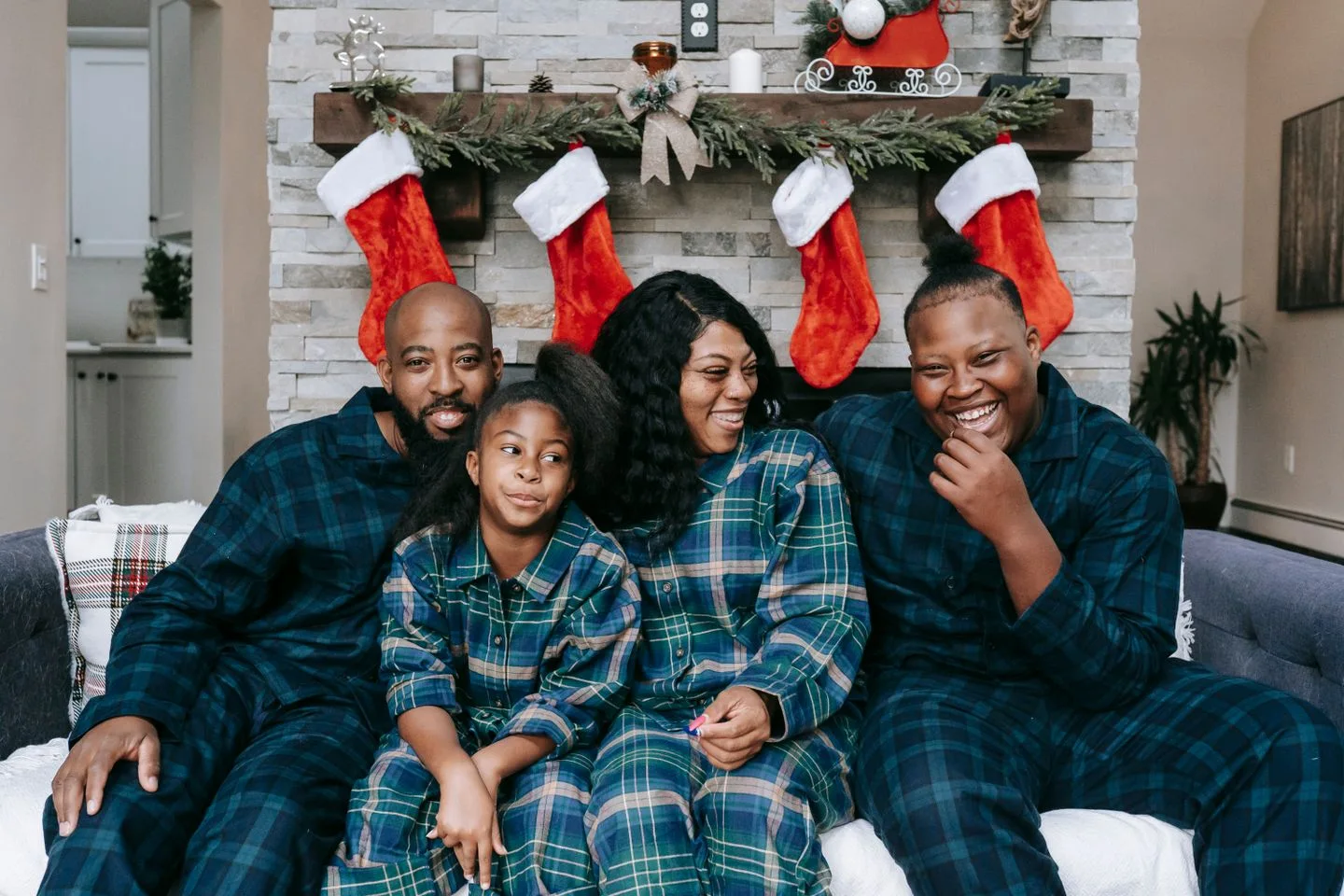 Holiday photo by Any Lane / Pexels
Already filmed both dancers?
Use CapCut to trim the recording, align the final move with your chosen audio, and crop for a phone screen. Film a little before and after the routine so you have room to adjust the timing.
Starting with two still photos?
A photo-to-video workflow needs clear portraits, a movement plan and an identity check after rendering. A slideshow template times photos to music. A dance clip needs both people to move.
Check which template slots you can replace
Open the exact template before selecting media. Some slots expect clips, while others accept stills. Check whether the preview shows two moving dancers and review the export options in your app.
Sources and editorial notes
- CapCut: how replaceable clips work
- @everydaywithericksons on TikTok
- @calysta.belle on TikTok
- Ayiah Soufi’s early duo on TikTok
The linked posts show the dance. The editing notes describe how to frame and review your own clip. Read our editorial approach